Double Checking of Claims Folders
The business is leaking significant amounts of revenue due to courier claims being
Overview#
Purpose: The business is leaking significant amounts of revenue due to courier claims being handled incorrectly, or not handled at all. This is happening for various reasons, mainly down to the correct process not being followed once a claim is initiated. With this in mind, this process document lays out the procedure - that must be followed to the letter, with no deviations at any time. Escalations to management form a significant part of this process, be sure to do so in a timely manner.
Scope: All Courier and Supplier claims must be tracked in ClickUp Linked Tickets without exception.
Responsibility: It is the responsibility of the claims handler to double-check emails on Zendesk Courier & Supplier Claims folders.
Objective: Ensure all claimable are linked to ClickUp, for the claim to be filed.
You will have to ensure that all mails tagged under Courier and Supplier Claims will also be linked to ClickUp, this is a weekly task done every Friday (Courier) and Saturday (Supplier).
Example:
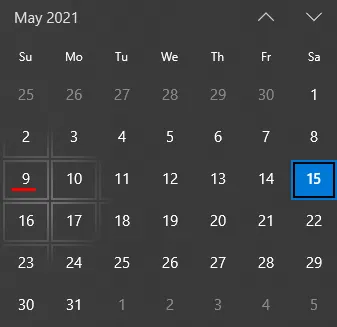
Today is May 15. Our filter on the date requested will start on May 9 (Sunday) - up to May 15 (most recent updated).
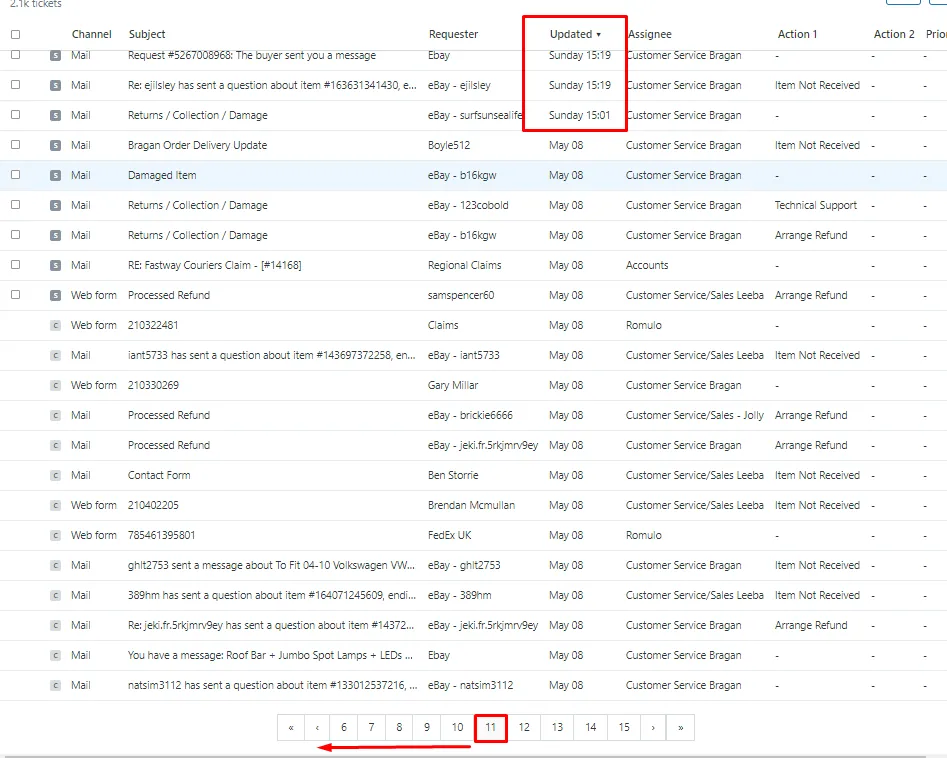
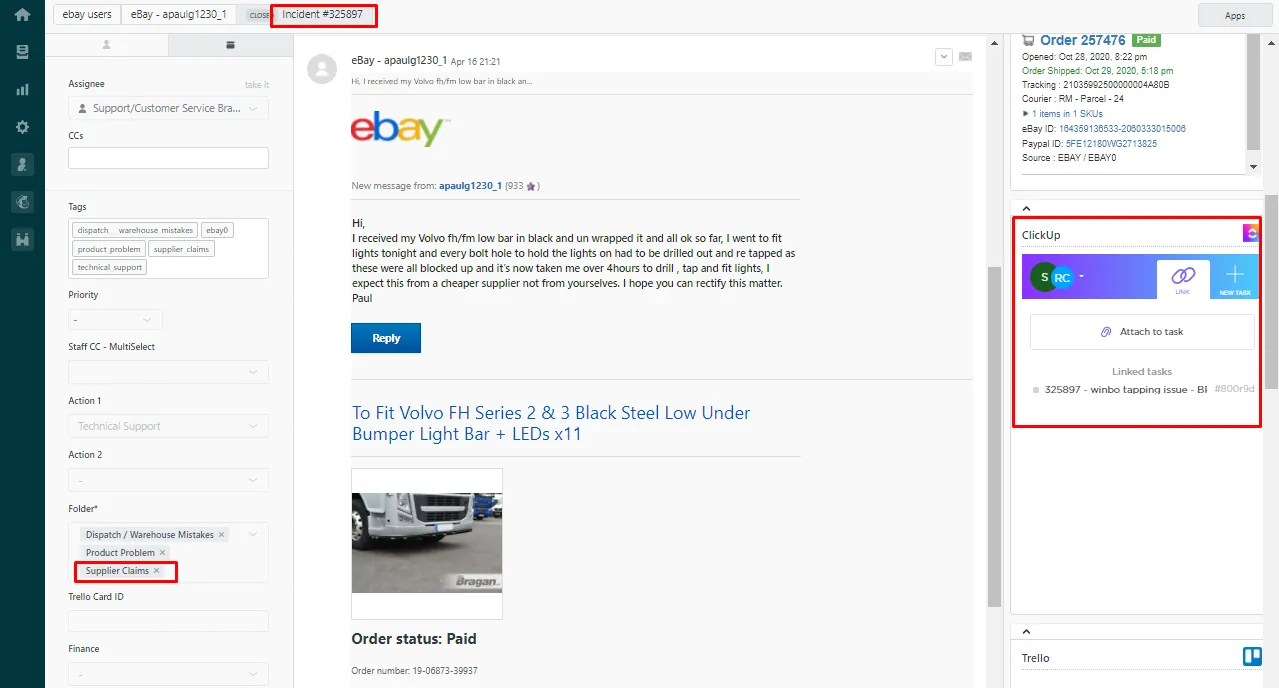
To double-check if it is linked on ClickUp you can see from the App Row on Top Right.
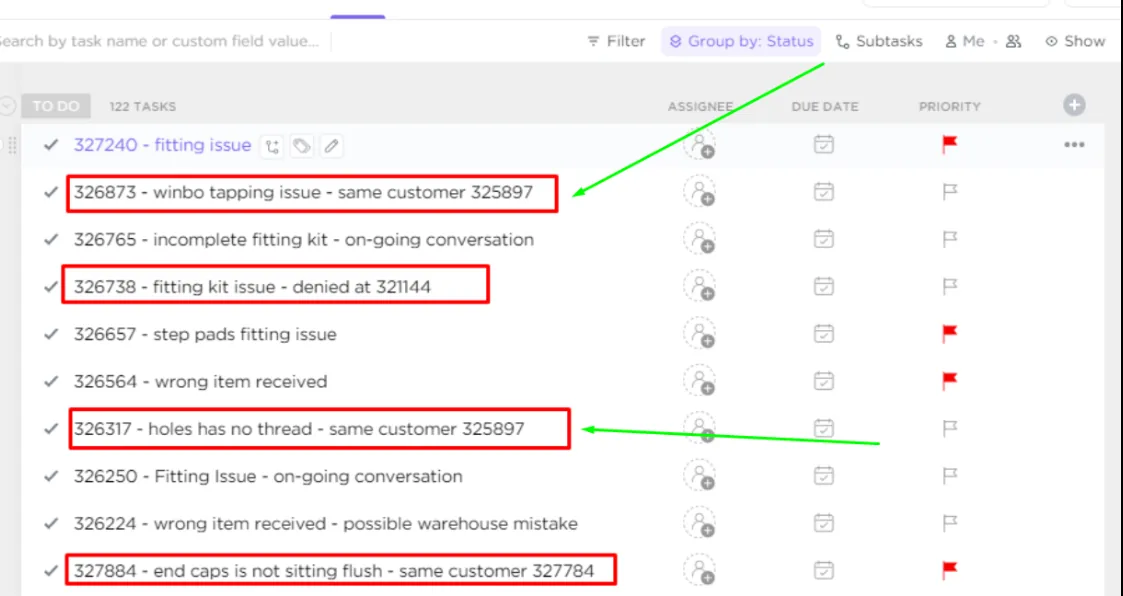
You have to ensure all possible claimable are linked on ClickUp.
For those duplicated tickets of the same customer. Indicate remark on the ticket # that this is the same customer with ticket #XXX-XXX.
Notes#
Ensure that all mails tagged under Courier and Supplier Claims will also be linked to ClickUp, this is a weekly task done every Friday (Courier) and Saturday (Supplier).
Ensure all possible claimable are linked on ClickUp.