Arrange Collection
The purpose of this SOP is to give an idea about Arrange Collection.
Overview#
Purpose: The purpose of this SOP is to give an idea about Arrange Collection.
Scope: This applies to all customer service representative staff and all staff personnel who is in charge of this process.
Responsibility: It is the responsibility of all staff to follow the standard operating procedure of Arrange Collection.
Objective: The objective of this procedure is:
- to guide employees about the process of Arrange Collection.
Creating a label for customer
Label created will be sent to the customer for the item to be returned.
USER: [email protected]
PASSWORD: BraganMolly20 (caps sensitive)
- Visit despatchbay.com and LOGIN using the USER and PASS above.
a.
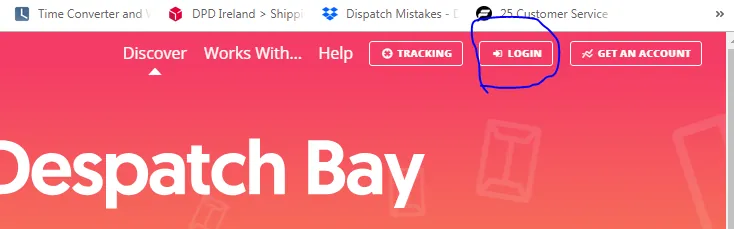
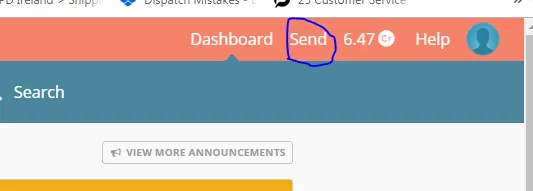
- Click “SEND” in the top right corner.
a.
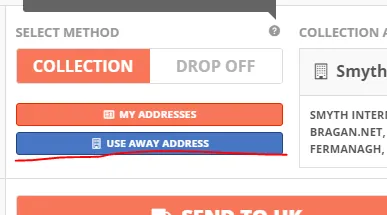
- Make sure to click “ USE AWAY ADDRESS”
a.
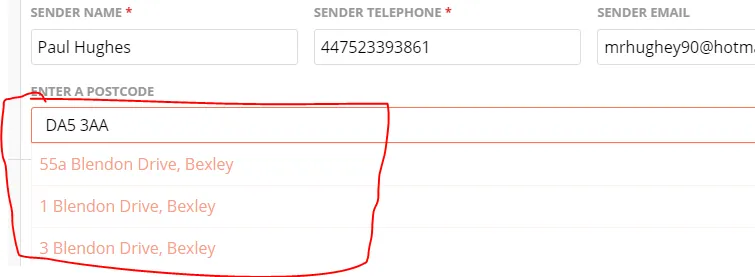
- Fill out the customer information - Address will show after you entered the postcode
i.
- Add “ADDRESS BOOK” and choose “BTS Trading/ CO Smyth Transport”
i.
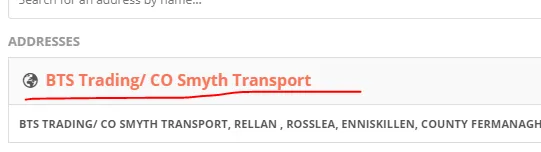
- Enter the item example: “Renault Running Boards”
- APPROXIMATE WEIGHT – 20
ii. VALUE - £50
iii.
- Choose the collection date agreed with the custom
I.

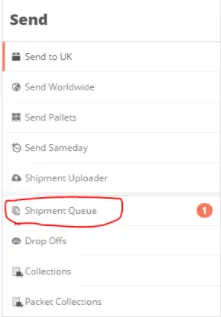
- Click “ADD TO QUEUE” 5. Go to Shipment Queue
Print the Label created. And download the file.
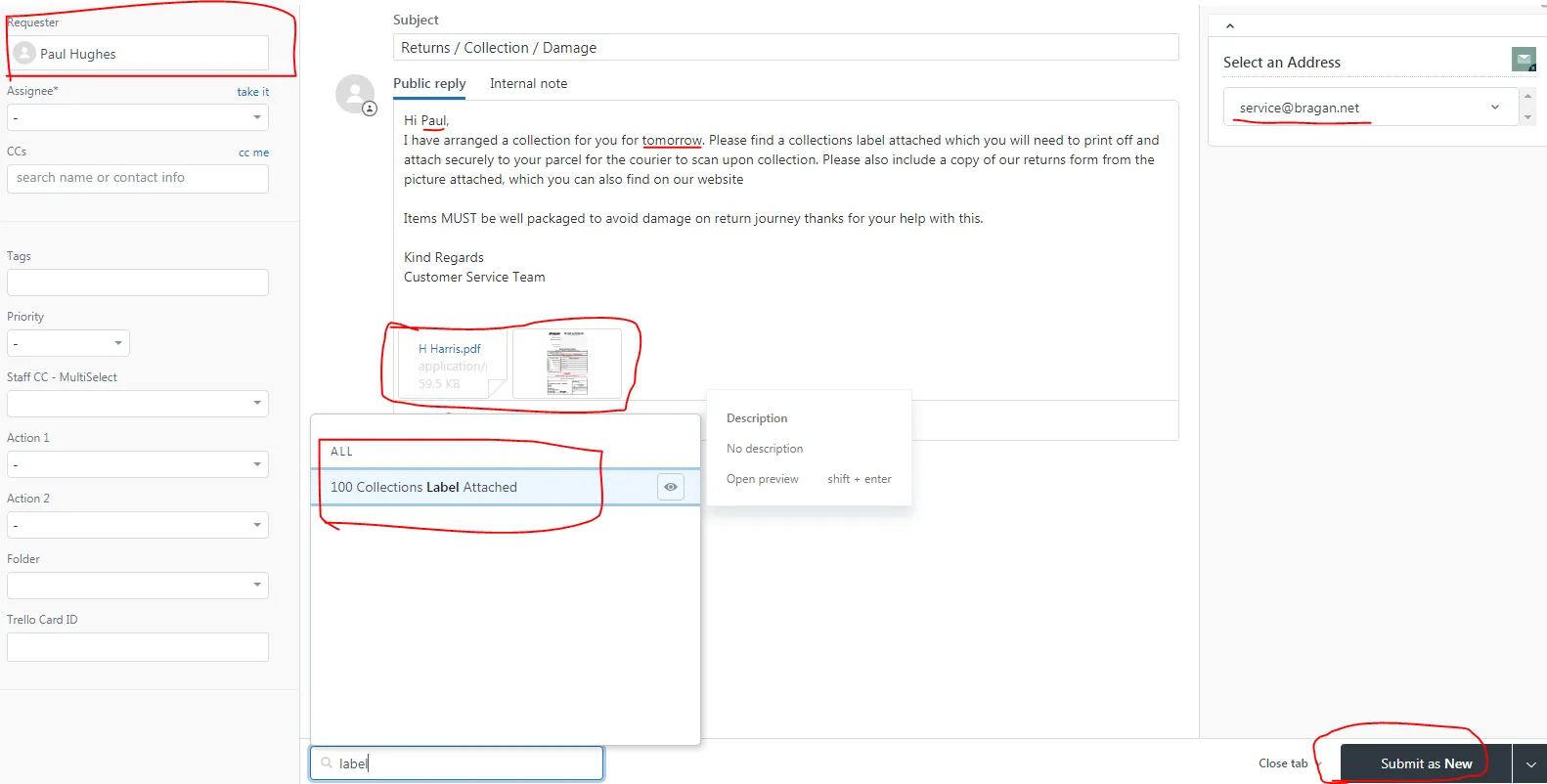
- Sending the Label created to the customer. - Send the label to customer email only. - Please enter Customer Email. - Choose Macro “Collections Label Attached” - Select an Address [email protected]
Attached the Label Created and Return Form located: www.bragan.net
f.
Notes#
This section is important so Adhoc points and issues can be logged. Also, Q&A can be logged for suggestions for potential issues encountered. Also, log important notes needed for this system. Additional Notes:
This document is important especially to customer service staff because this shows about Arrange Collection.
Potential Issues:
1 - ISSUE ENCOUNTERED: Stuck on Loading RESOLUTION: Refresh Browser
2 - ISSUE ENCOUNTERED: Broken Links RESOLUTION: Get the external link as this will allow other people to access the SOP without the need for login credentials and avoid broken links.