Sending Return Email For Customer
The purpose of this SOP is to give an idea of how to send return emails to
Overview#
Purpose: The purpose of this SOP is to give an idea of how to send return emails to customers.
Scope: This applies to customer service representative staff and all staff personnel who is in charge of this process.
Responsibility: It is the responsibility of all staff to follow the standard operating procedure of how to send return emails to customers.
Objective: The objective of this procedure is:
- to guide employees on how to send return emails to customers.
Sending Returns email to Customer
Email Example: 110495
- Organize Returns
- a. Organise new scanned returns by moving some of the PDF files to a specific folders. (\Dropbox\Customer Service Jobs\Late delivery dispatch email).
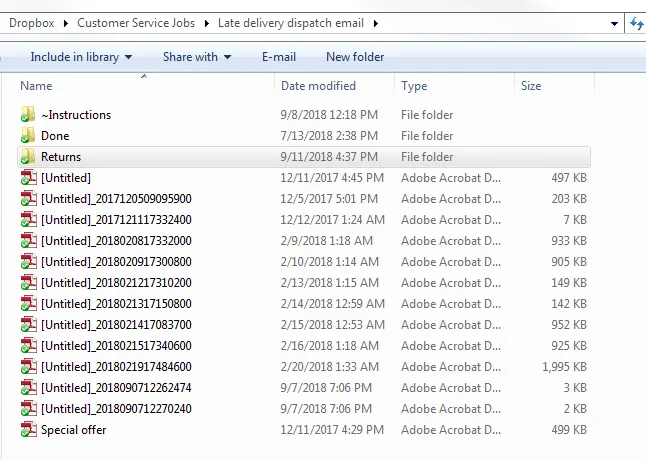
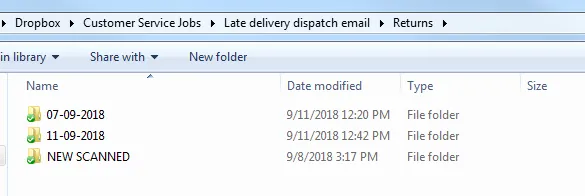
- Saving the PDF file to the correct folder. Make sure to make a folder each week for the new returns. (\Dropbox\Customer Service Jobs\Late delivery dispatch email\Returns.
- Sending an email to customer - Open one of the PDF.
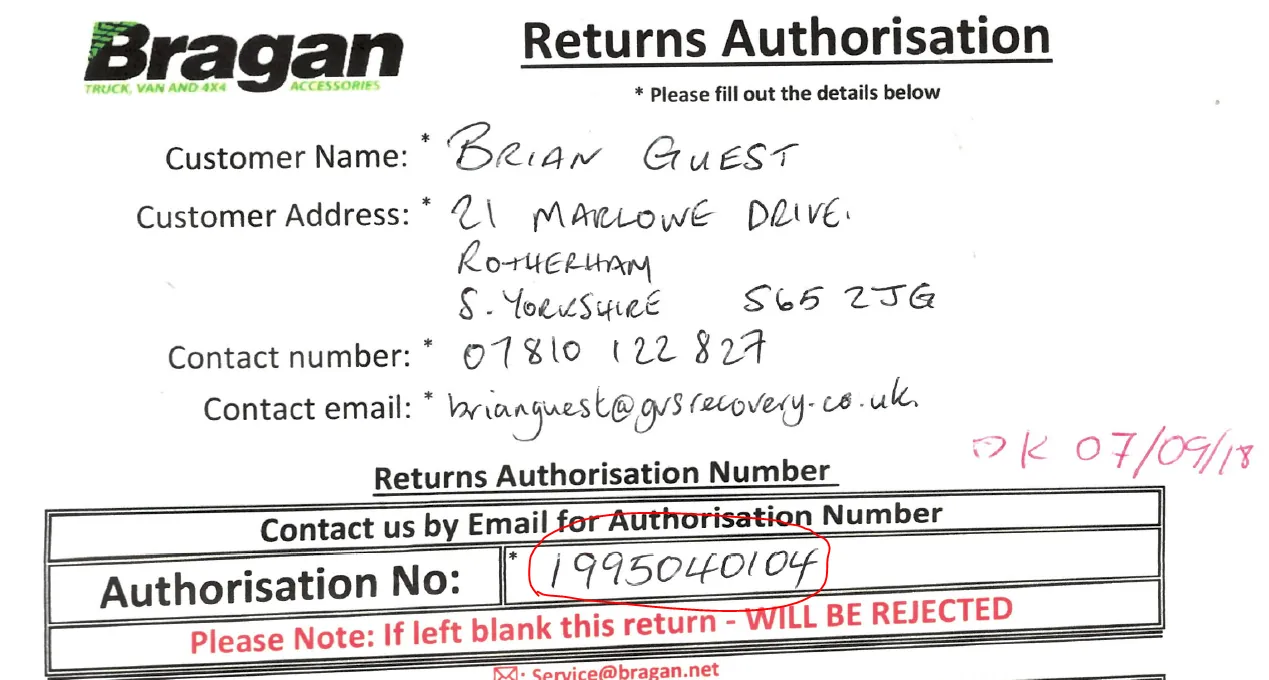
- Use the first 6 numbers and search the order in Linnworks(ex: 1995040104) use:199504.
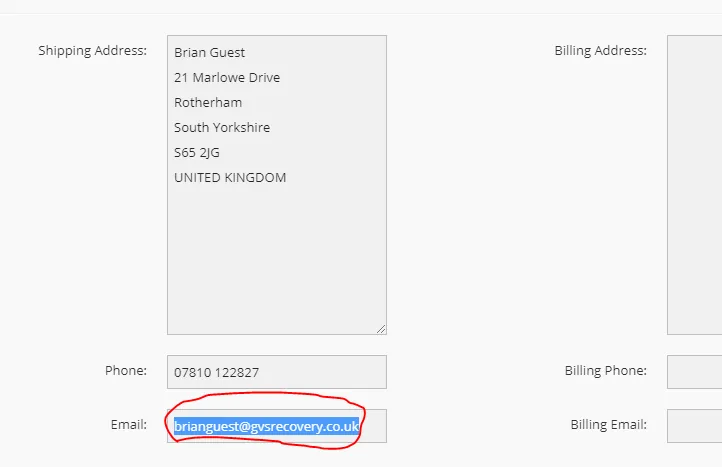
- On Linnworks, look for his email and copy.
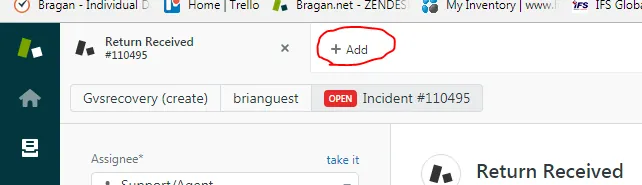
- Add new tab on the top left side of the screen in zendesk.
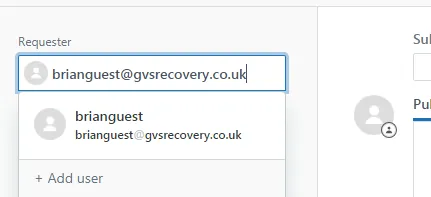
- Paste the email on the left side of the screen.
- Apply Macro on the bottom part of the page. Using RETURN RECEIVED.
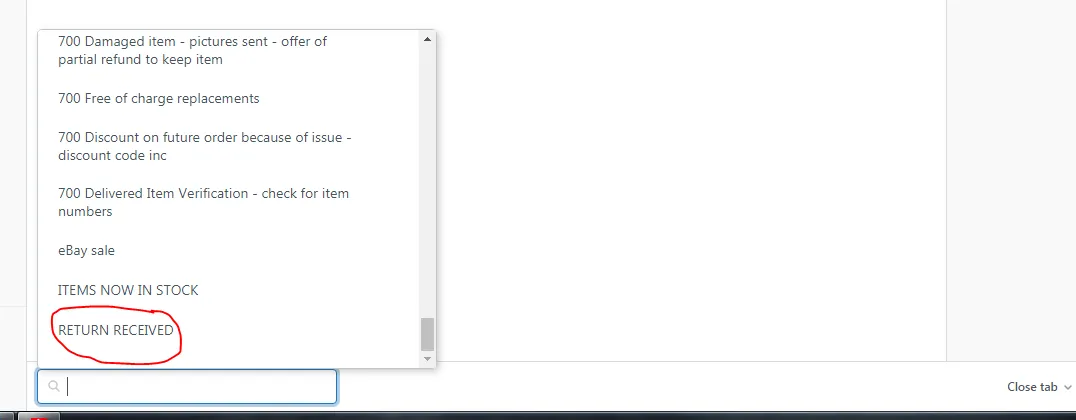
g.
- Enter the customer name on the text box.
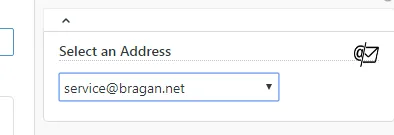
- On sending the email, make sure the the selected address to be used is [email protected]
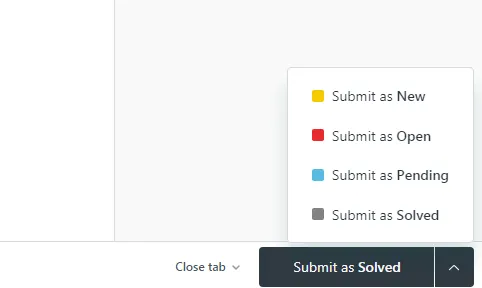
- On the lower right side of the screen Submit as Solved.
Notes#
This document is important because this gives an idea of how to send return emails to customers.