Changing Slider image on home Page - Magento
The purpose of this document is to show the procedure on how to change the image
Overview#
Purpose: The purpose of this document is to show the procedure on how to change the image slider on the Magento home page.
Scope: This procedure applies to all assigned Bragan personnel.
Responsibility: It is the responsibility of each employee to ensure the process set out in this procedure is followed.
Objective: The objective of this procedure is:
To guide employees on how to change the home page image slider in Magento Admin.
(Some information will need to be updated)
Process#
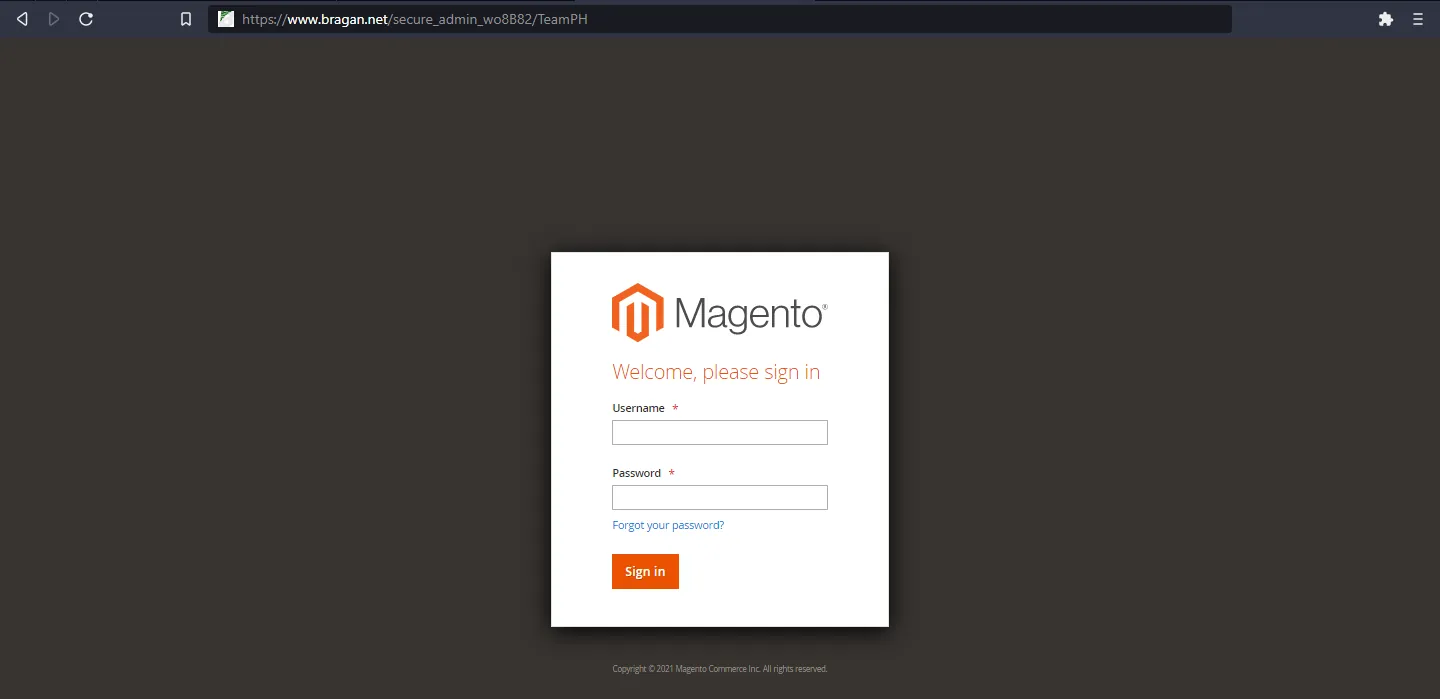
1.) Login into the Magento Admin/Magento Backend
www.bragan.net TeamPH kindly asks the team on Skype for Logins.
2.) Go to CMS menu bar select
- Static Block
3.) Find the slider required in the list and select
Home slider 1 Picture 1 Home slider 2 Picture 2 Home slider 3 Picture 3 Home slider 4 Picture 4
4.) Click Show/editor
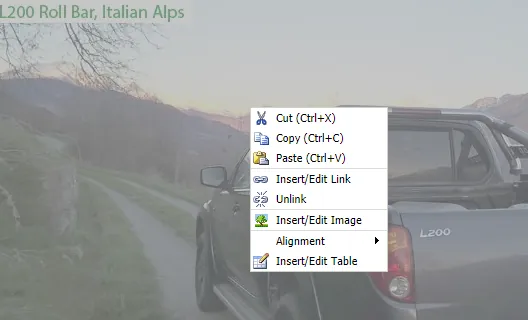
5.) Right-click on the existing image and select insert/edit image all
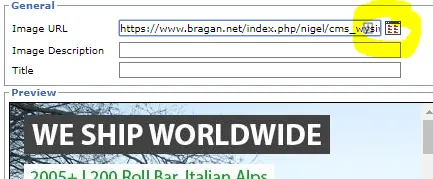
6.) Select the browser button
7.) Select the image that you want to apply to the news slider
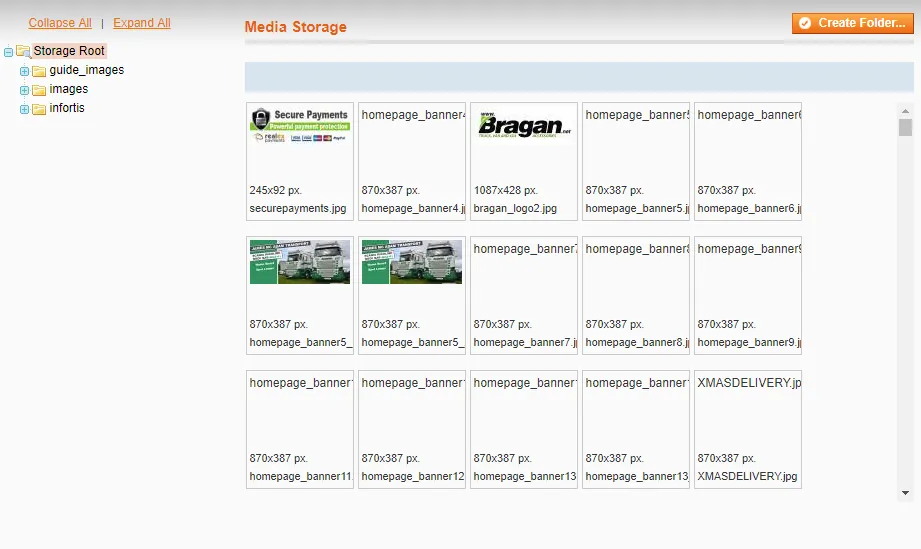
8.) Once the new image is selected Select update
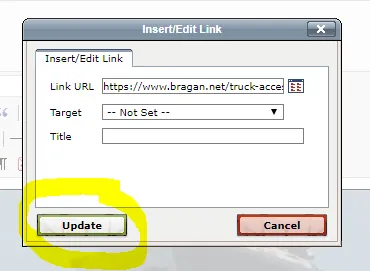
9.) Select save Block
Job Completed
Please note: It will take a couple of minutes for changes to apply to the main site