How to send eBay offers
This is a Weekly task to send offers at eBay as per management
Overview#
Purpose: This is a Weekly task to send offers at eBay as per management
Scope: Create a discount offer for a list of customers
Responsibility: It is the customer service representative’s responsibility to create the offer.
Objective: The objective is to create more sales by offering selected customers discounts on products.
First, you have to log in to the eBay website
Bts Trading
Braganx
( log-in credentials are in the Lastpass given by the management )
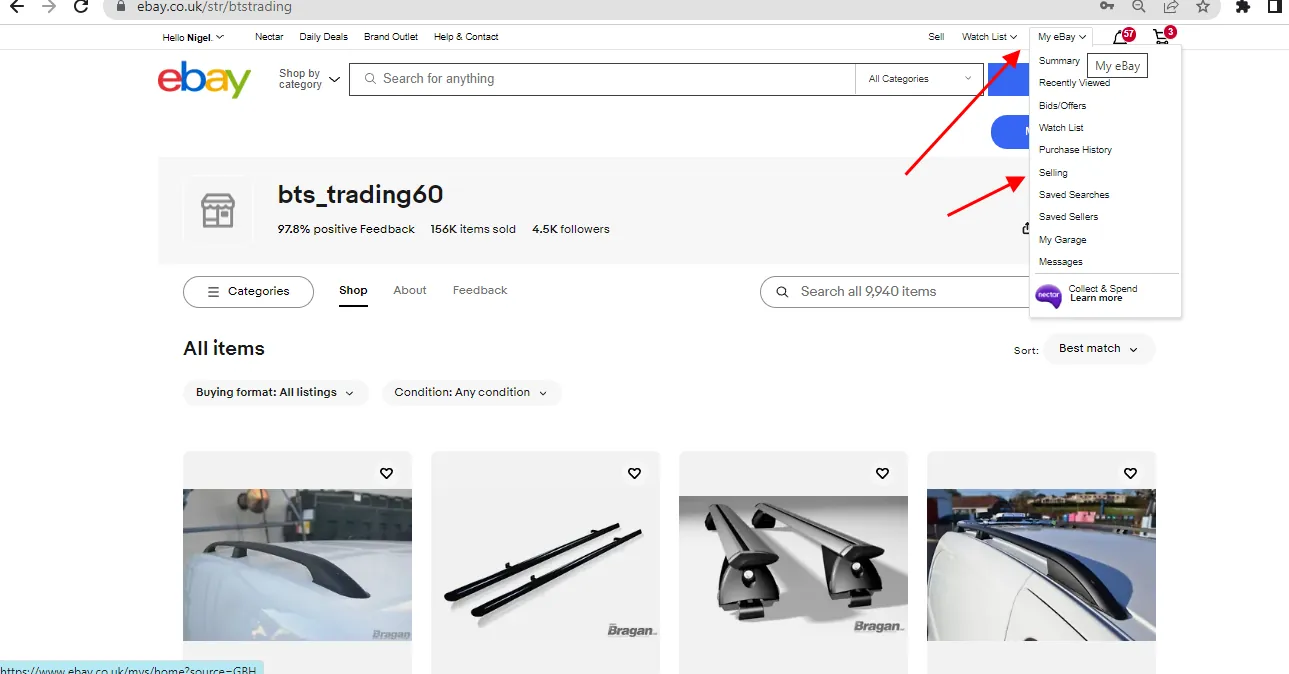
in My eBay Tab - Click Selling
in the Listings Tab - Click Active
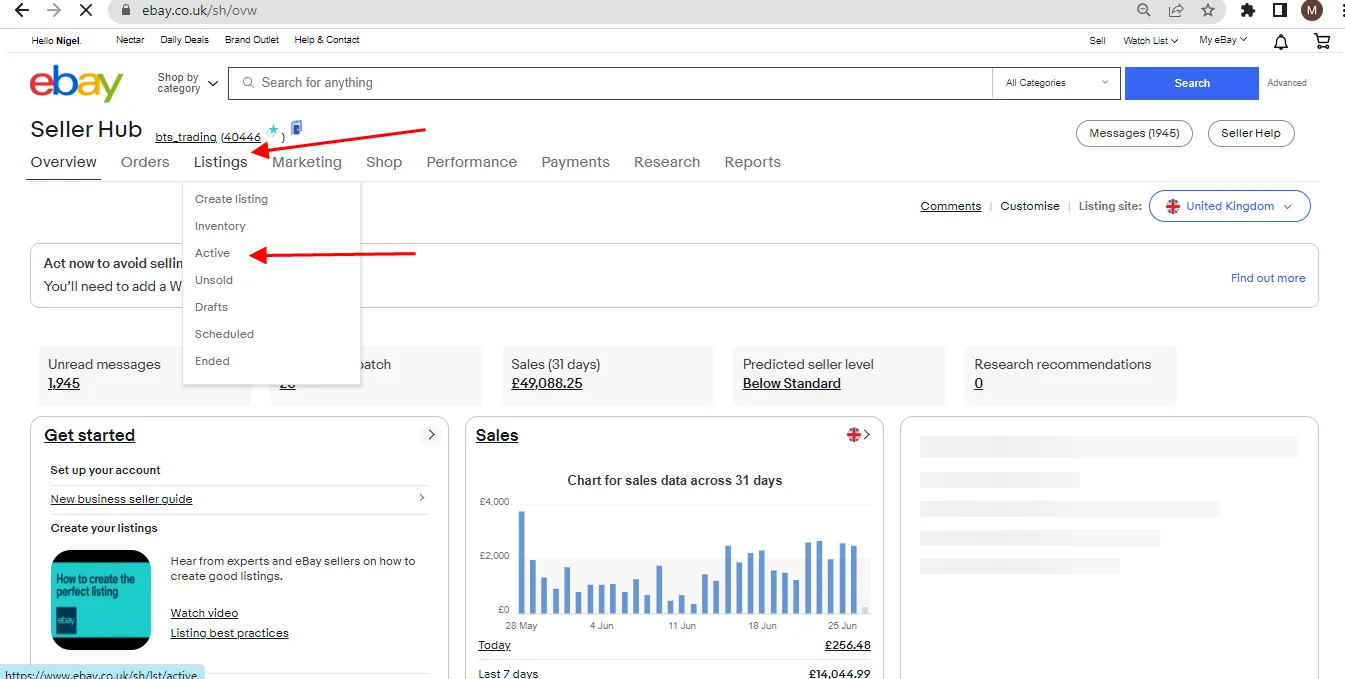
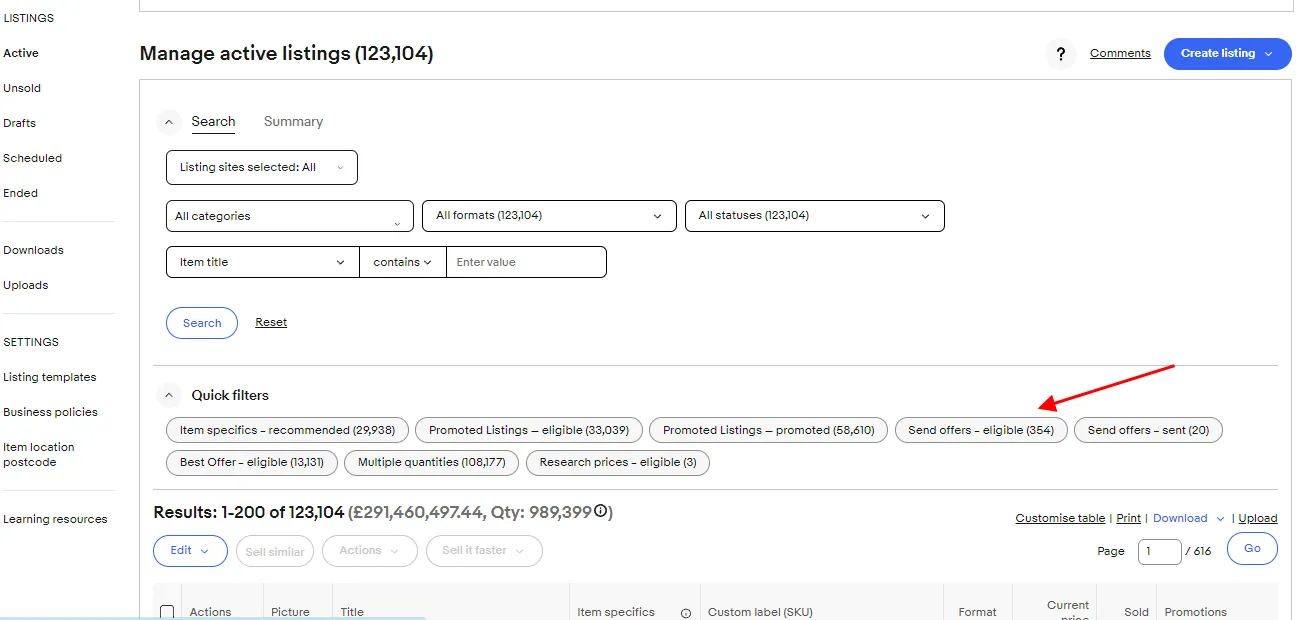
Look for Send Offers - Eligible in the quick filter ( please see below ) then Click it
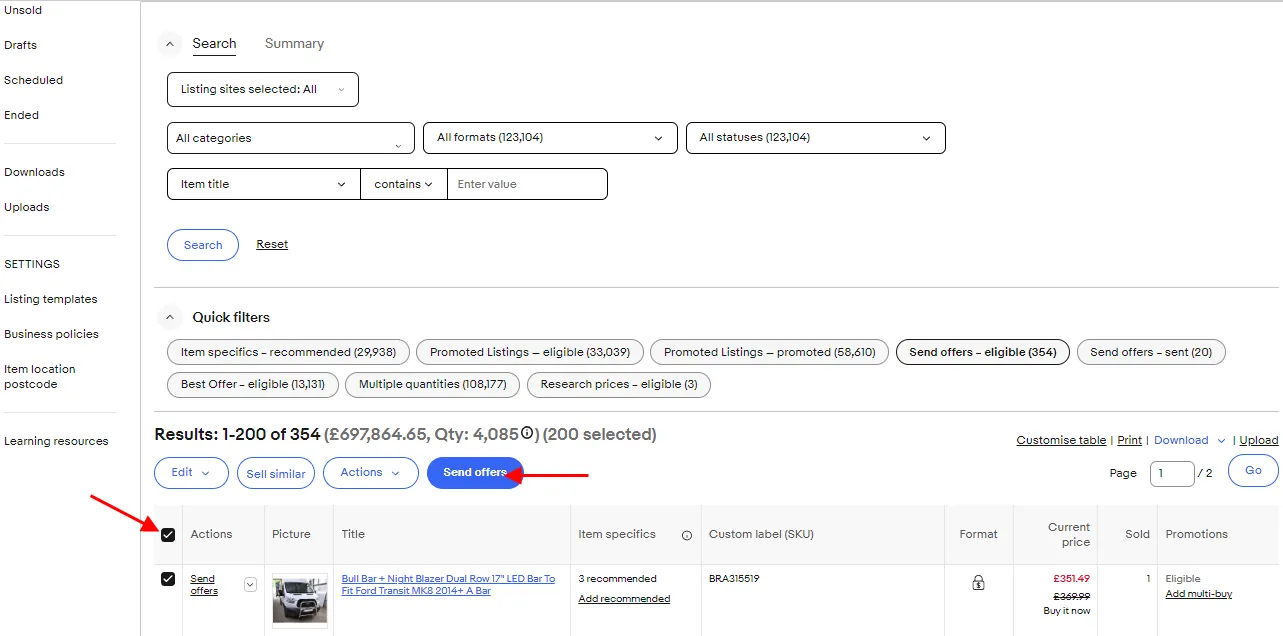
Click Actions then Click Send Offers
write 5 in the box for a 5% discount offer then click Send
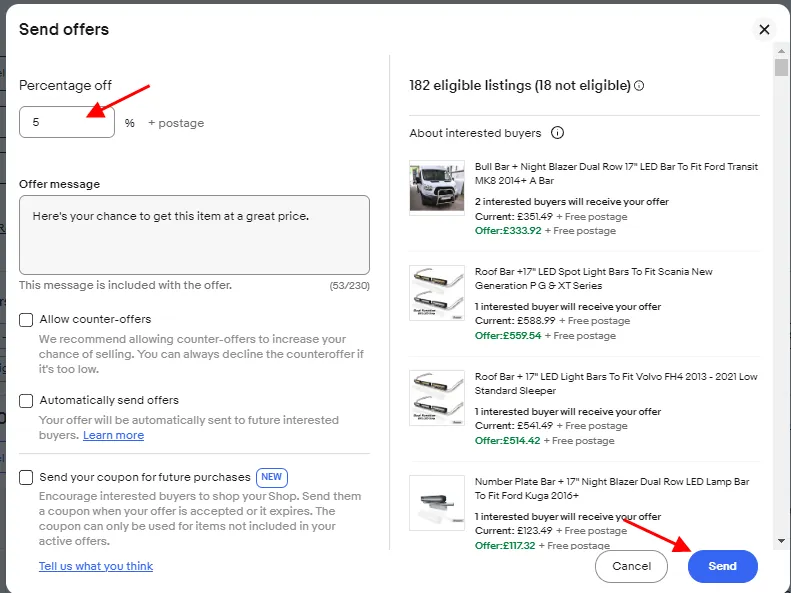
Do it again until all that are in the "Send Offers - Eligible" are given the 5% discount
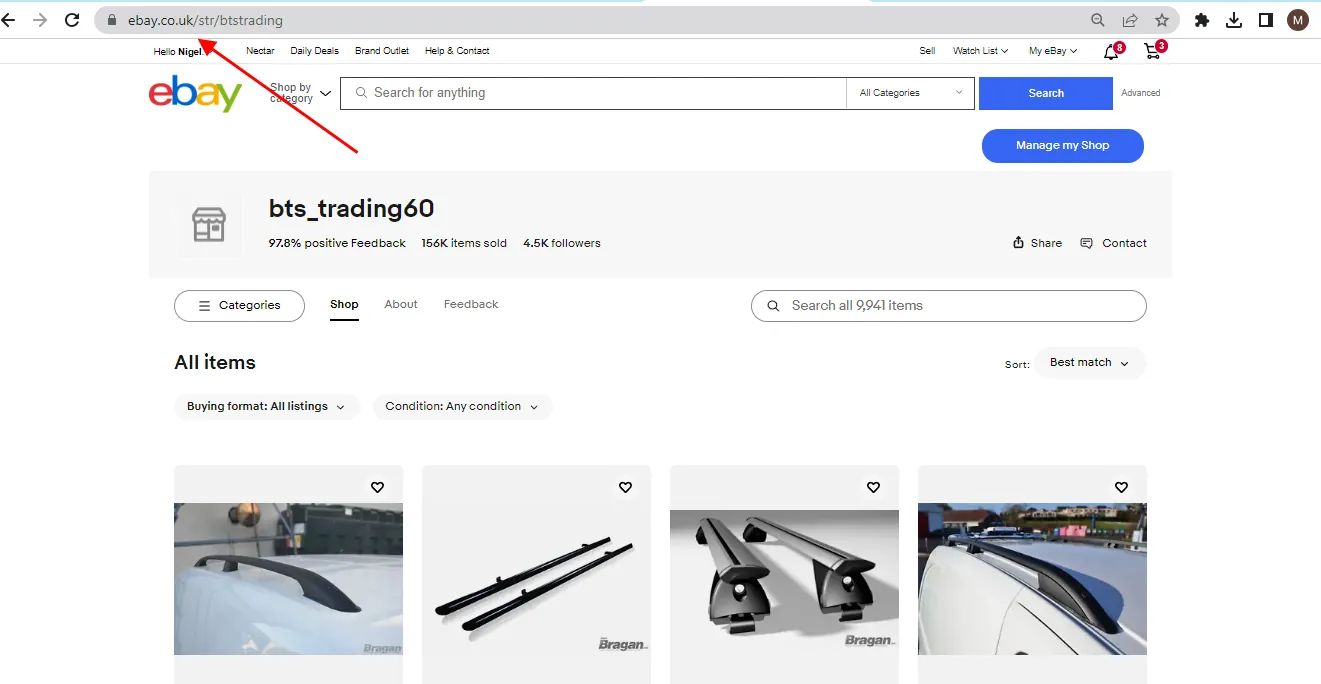
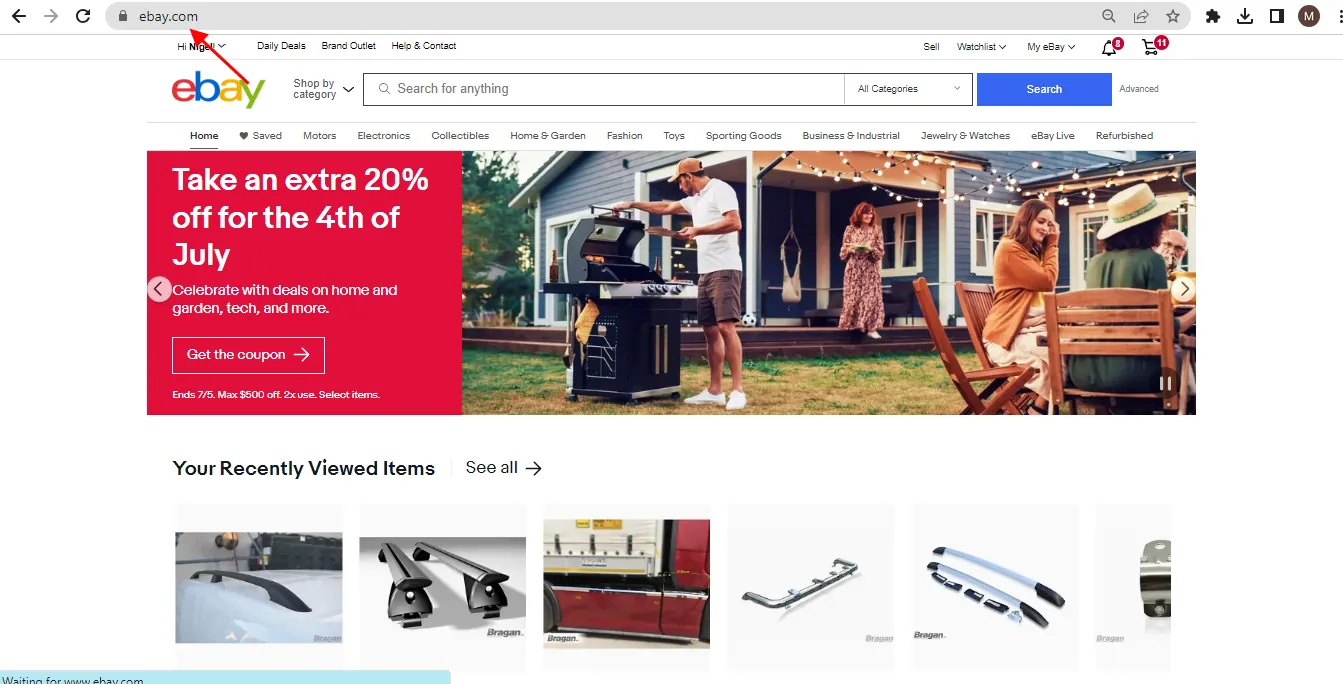
NOTE: While you are logged into BTS Trading/Braganx change the last letter of the website address
Example: ebay.co.uk to ebay.com
Do it for ebay.com, ebay.de, ebay.it, ebay.es, ebay.fr and ebay.au
Do the same from the beginning to send offers