Mailjet
Mailjet is the preferred tool used for bulk sending emails and promotional campaigns
Overview#
Purpose: Mailjet is the preferred tool used for bulk sending emails and promotional campaigns to customers. The purpose of this document is to outline to new and existing staff how to use Mailjet to send emails in bulk.
Scope: This procedure applies to all employees
Responsibility: It is the responsibility of each employee to ensure the process set out in this procedure is followed.
Objective: The objective of this procedure is:
to standardize the use of Mailjet for all team members
How to Send Bulk Emails using Mailjet#
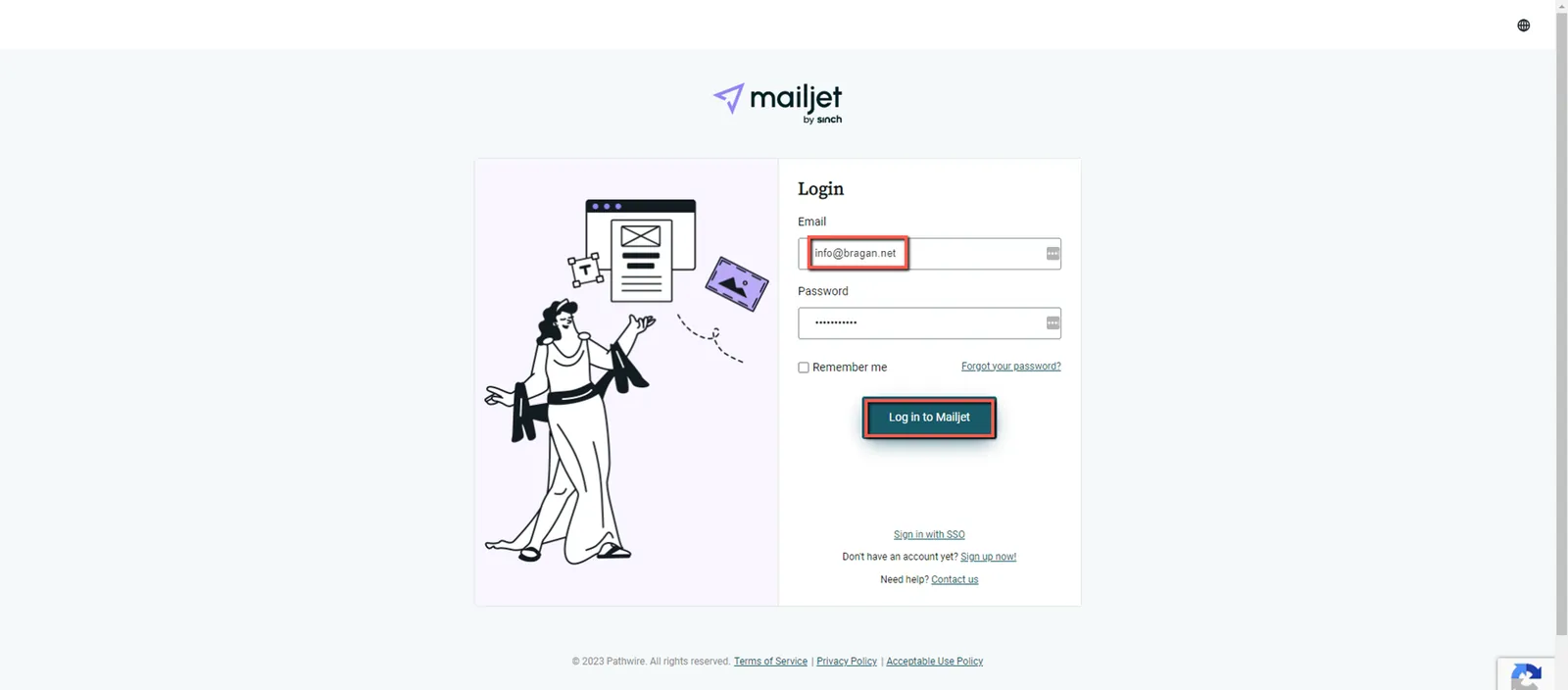
Step 1: Log-in
Step 2: Go to Contact >> Contact Lists
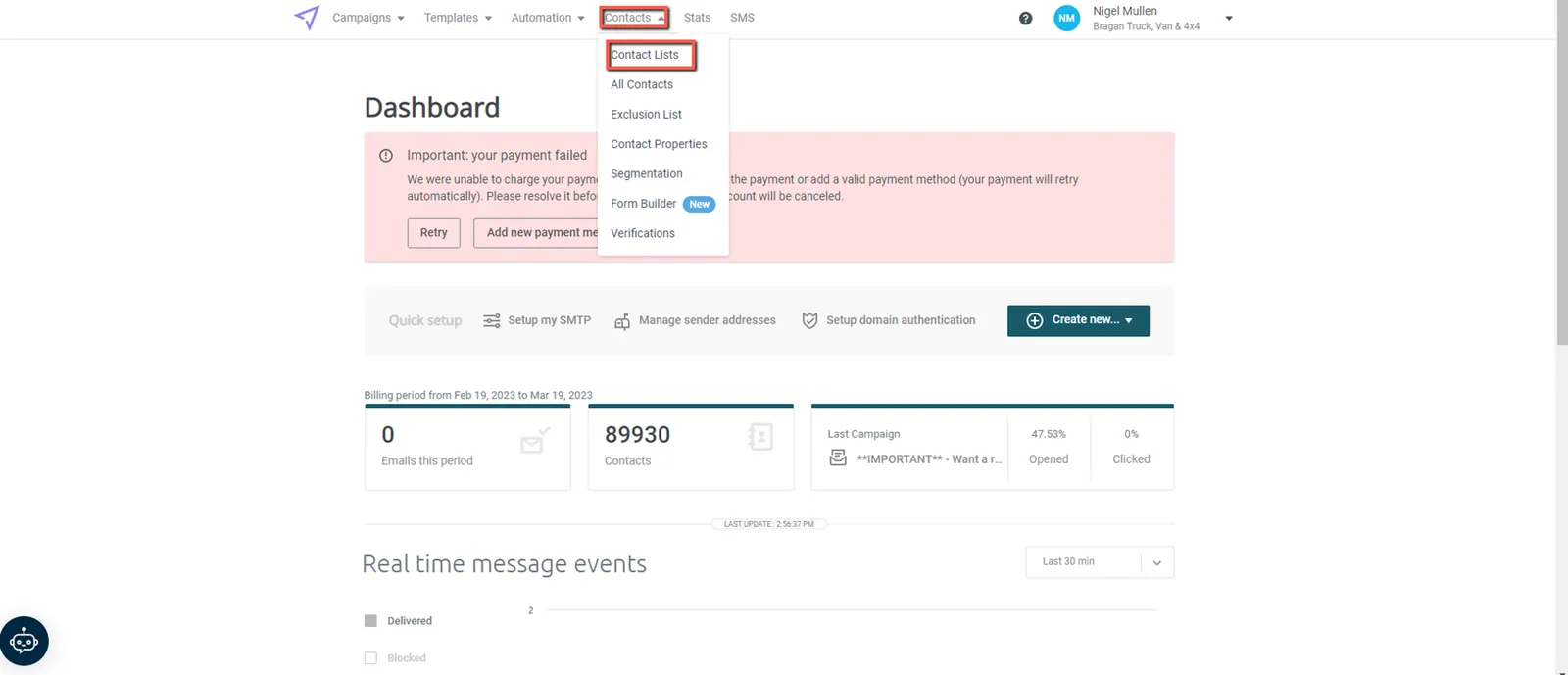
Step 3: Create a Contact List
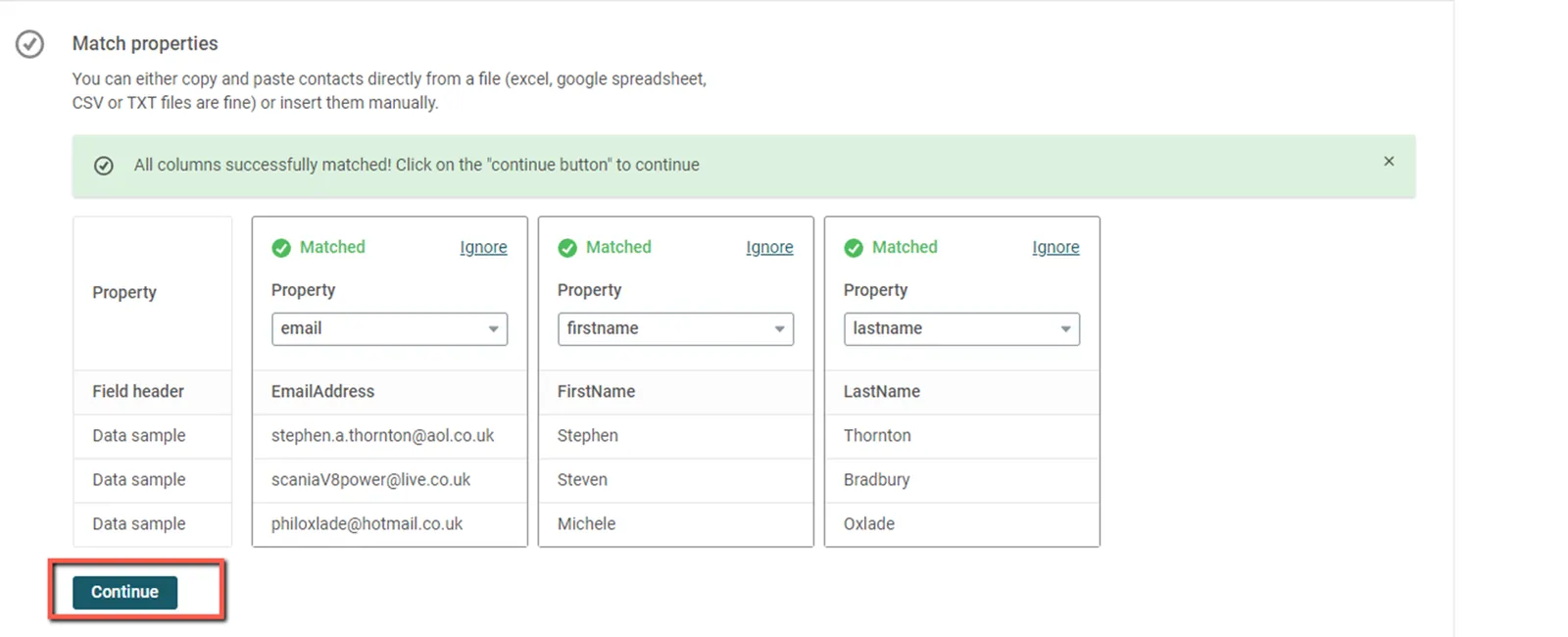
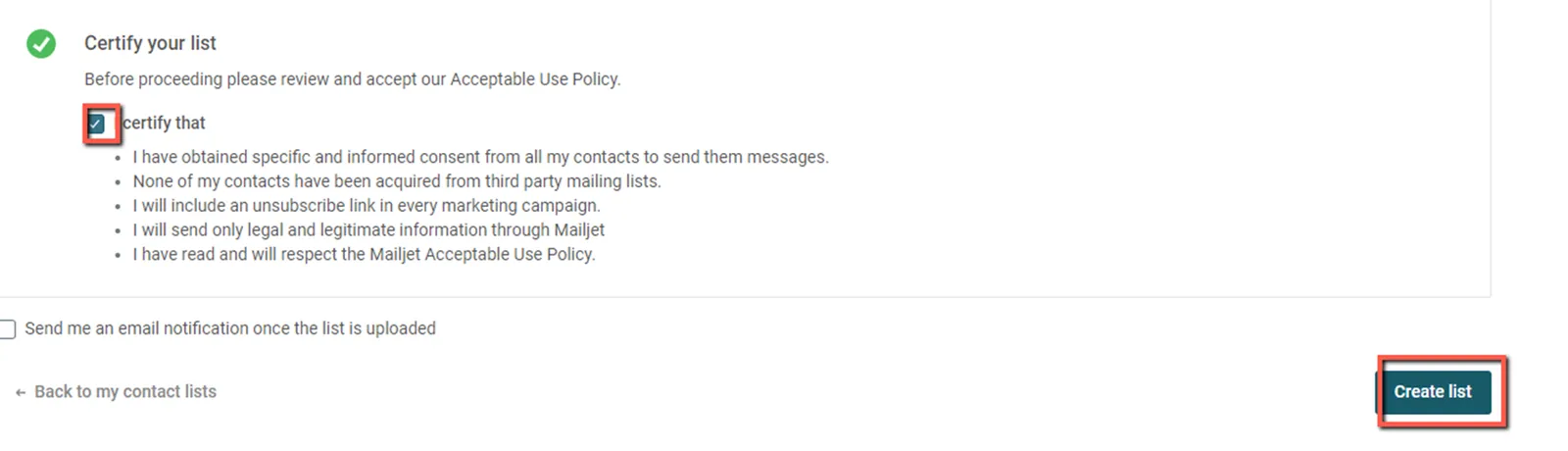
Step 4: Fill in the details
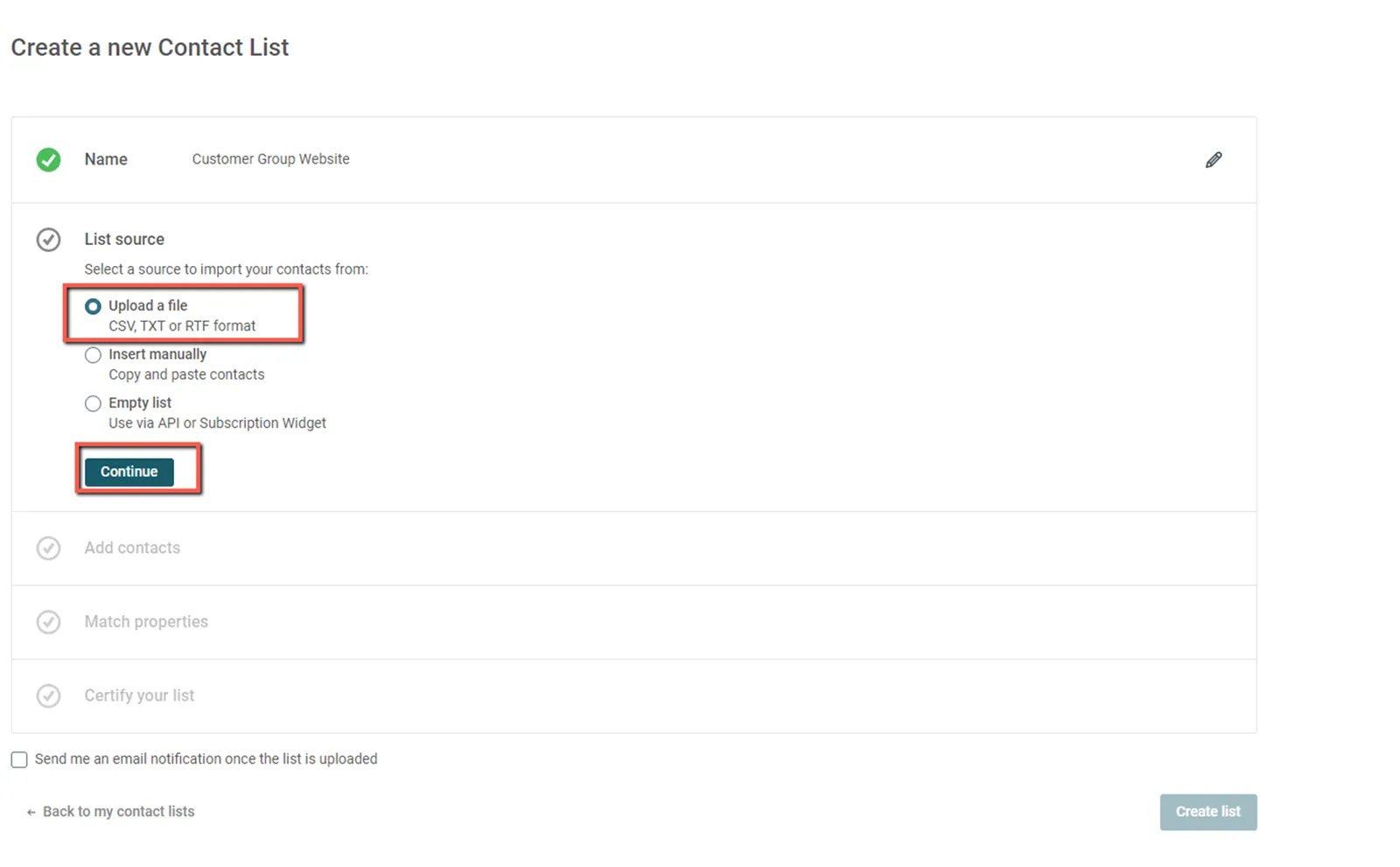
Name - Project Name/ Campaign Name
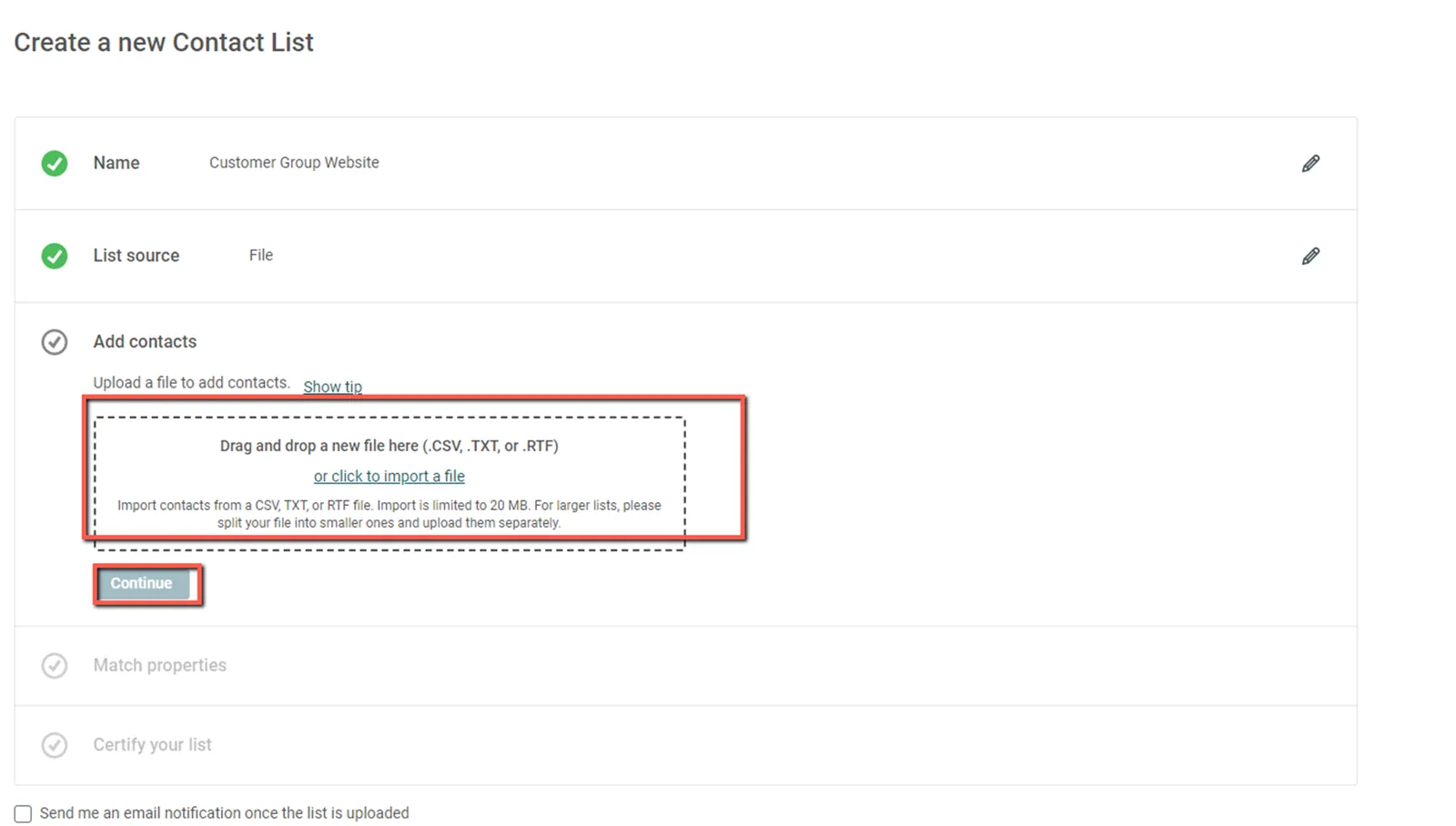
List Source - Source of data (Upload CSV File)
Step 5: Create the Campaign
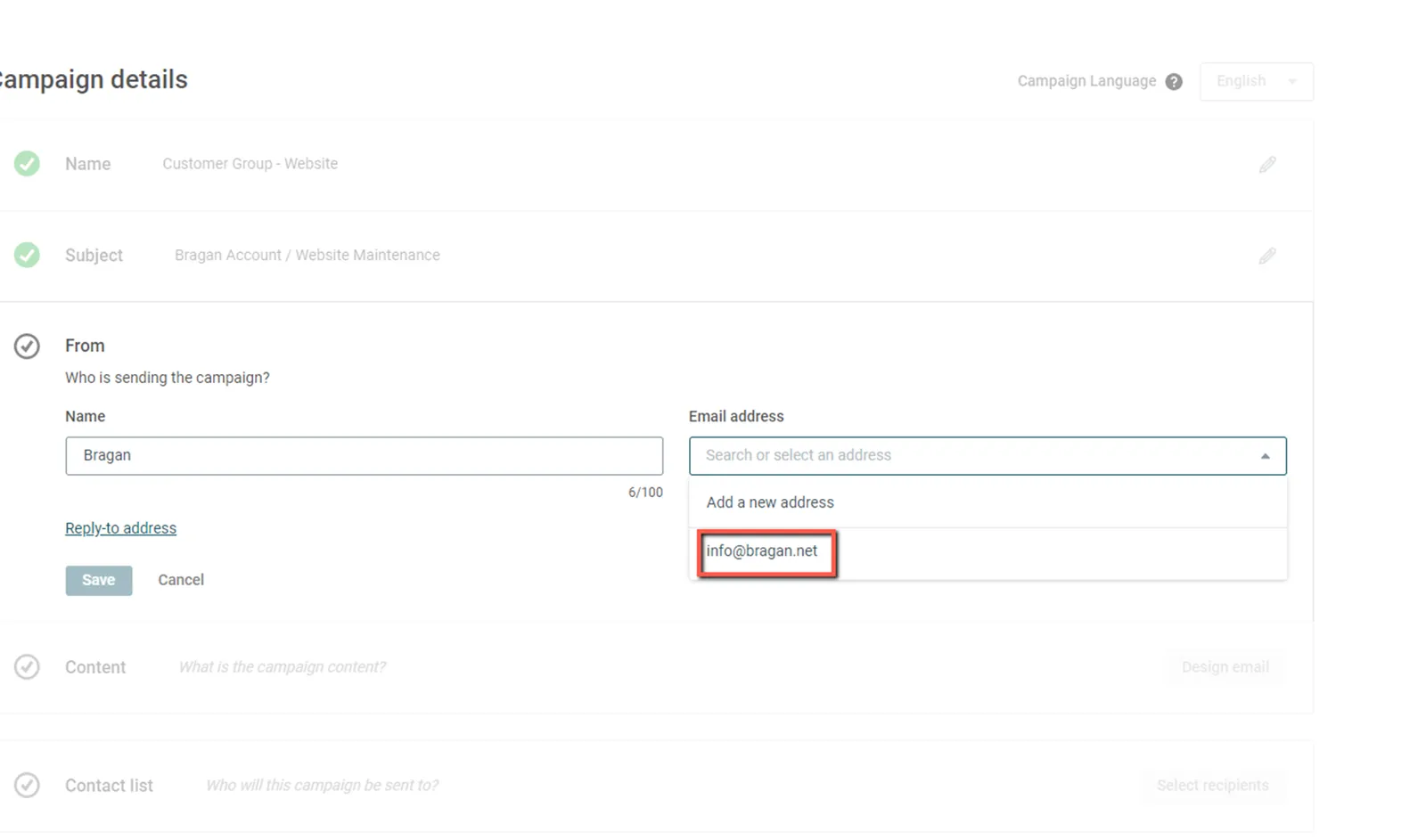
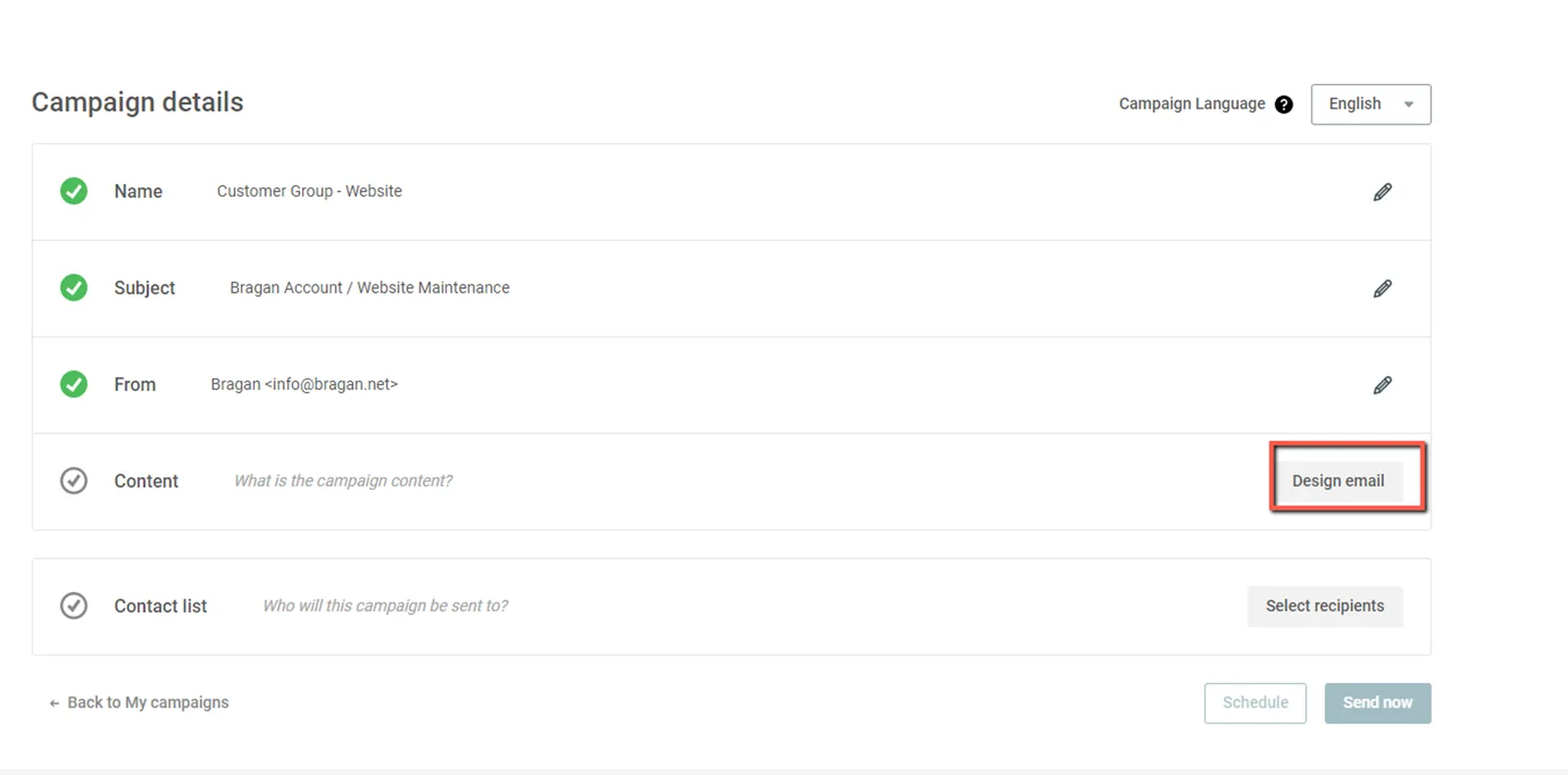
Name - Project Name / Campaign Name
Subject - Subject Line of the Email
From - Name: Bragan / Email Address: [email protected]
Content - Body of the Email / Main Content
Contact List - Receiver
Step 6: Create the content of the Email
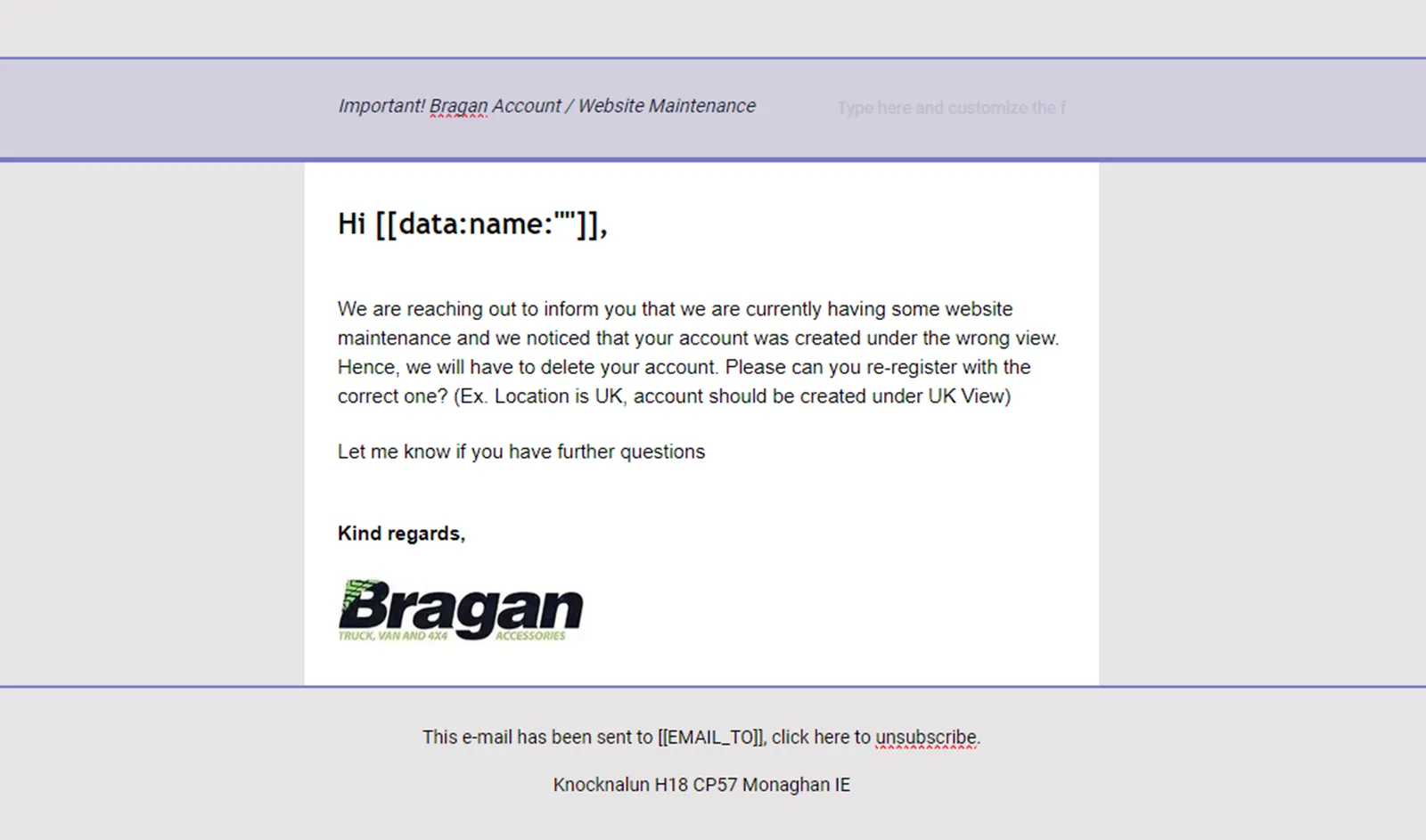
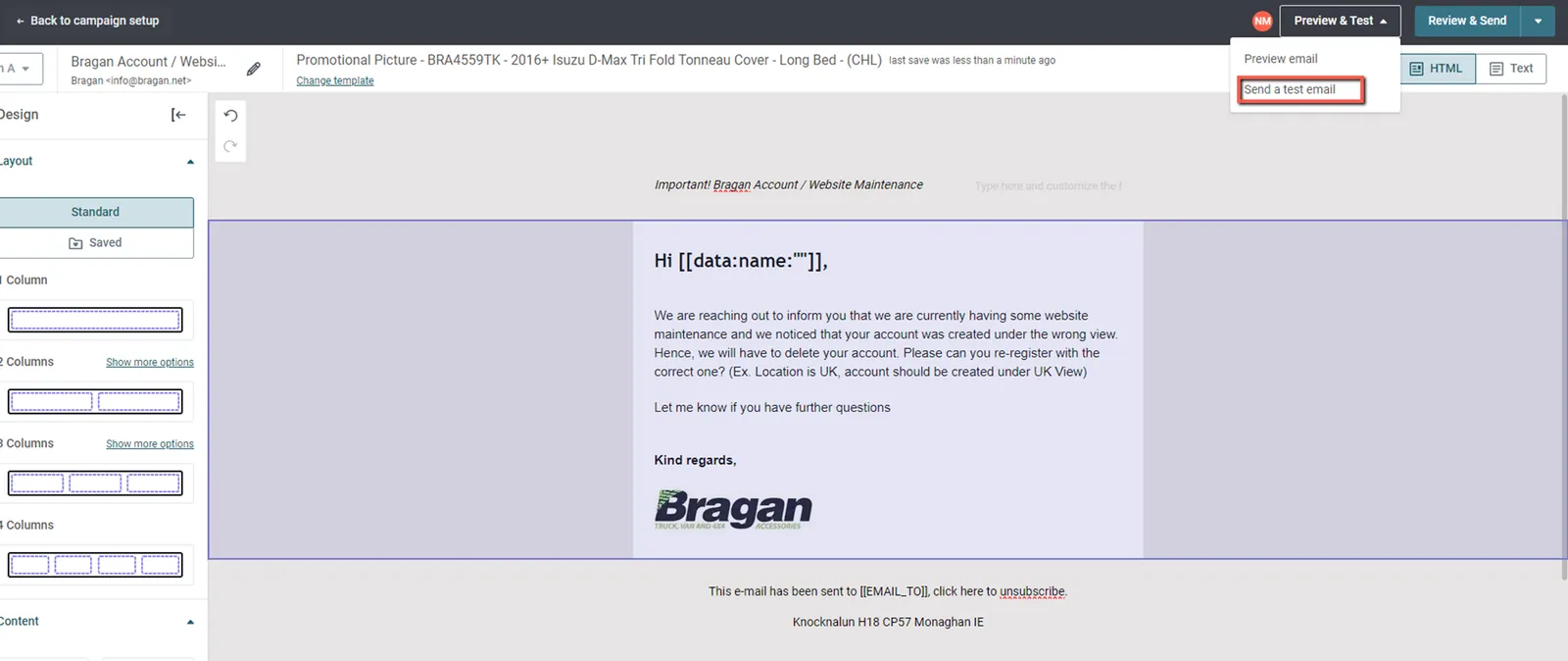
Step 7: Send a test email to check how it will look when customer receive it
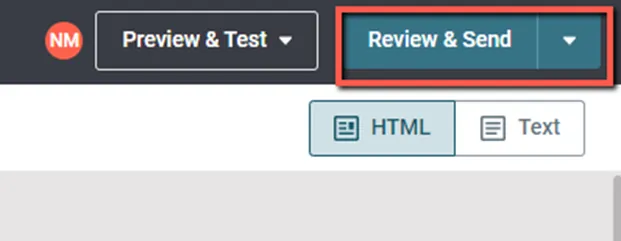
Step 8: Click Review and Send when all are checked
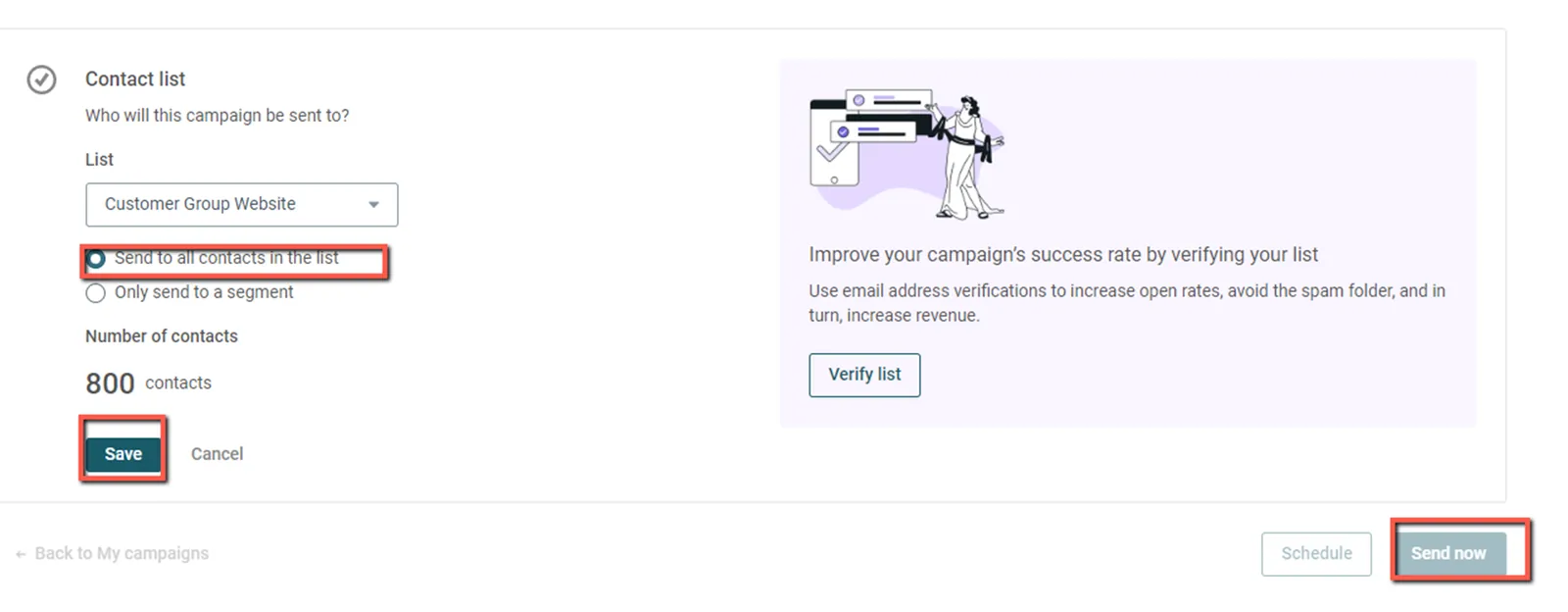
Step 9: Select the Recipients > Contact List uploaded previously
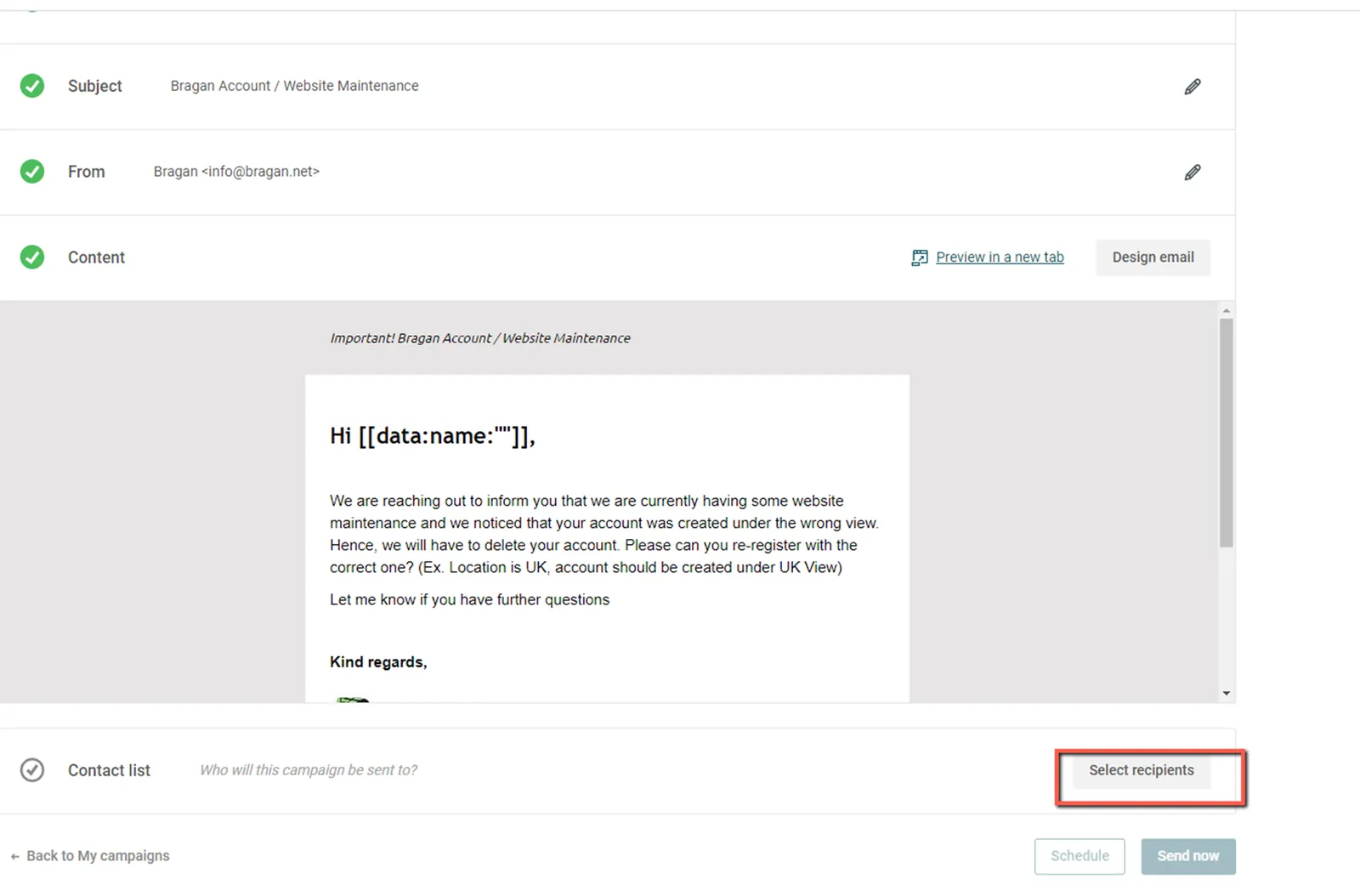
Step 10: After selecting the Contact List click 'Send to all contacts in the list' >> Click 'Send Now' to send to customer
Video & Media#
Attachments#
Customer_Group_-_Website__… 16/12/2025